CRM With MLS Integration Vs Traditional Real Estate CRM: What Converts Better?
Every real estate broker has been there – a hot lead comes in, your agent pulls up the CRM, manually checks listings on the MLS portal, copies over property details, and by the time they follow up, the prospect has already booked a walkthrough with someone else.
It’s not a talent problem. It’s a systems problem.
The conversation around CRM with MLS integration has moved well beyond feature comparisons. Today, it’s about which platform gives your team the speed, intelligence, and workflow cohesion to actually close deals – not just track them.
This article breaks down the real differences between traditional real estate CRMs and MLS-integrated CRM systems, where each one wins, and what the data tells us about conversion rates when your listings and leads finally live in the same ecosystem.
What Is a Traditional Real Estate CRM – And Where Does It Fall Short?
A standard CRM system in real estate serves all the basic purposes that any other CRM tool should serve; such as storing contact information, maintaining history of communication, keeping track of pipeline progress, and reminding you to follow up on things.
However, this is precisely where the catch comes in. Real estate transactions are unique because every transaction involves a particular piece of property. This means that every transaction has its own price tag, availability, location, and agent responsible for putting it up on the market.
Operational Gaps That Prevent You from Closing Deals
- Manual data entry from one system to another: Throughout the day, real estate agents constantly switch between their own CRM system and the MLS website. Every time there is any update to the listing, reduction in price, change in status, etc. it needs to be updated manually.
- Lead-to-listing mismatching delays: In case there is an inquiry from a potential buyer, CRM tools cannot help identify suitable listings automatically. The job is left for the agents, thus delaying one of the most important stages of the entire lead process.
- No automatic listing alerts: In a highly competitive market environment, when a buyer inquiries about three-bedroom houses in a certain zip code, they must be informed about the appearance of a corresponding property on the market immediately. This can be done only through inefficient workarounds.
- Fragmented reporting: When your lead data and your listing data live in separate tools, it’s nearly impossible to understand which property types or price ranges are generating the most conversions. You’re flying blind on your best strategic decisions.
What Is a CRM With MLS Integration – And How Does It Actually Work?
An MLS integrated real estate CRM is a platform where your Multiple Listing Service data flows directly into your CRM environment in real time. Rather than seeing your CRM and MLS as two individual systems, which you have to connect manually, they work together in unison.
As soon as a new listing is added to the MLS, the CRM will know about it straight away. In case the criteria of a buyer correspond with this particular listing, the system will be able to send an alert to the appropriate realtor and record the activity done all by itself.
This is where the current approach to building CRMs for real estate agencies stands at its roots.
Core Strengths of an MLS-Enabled CRM System
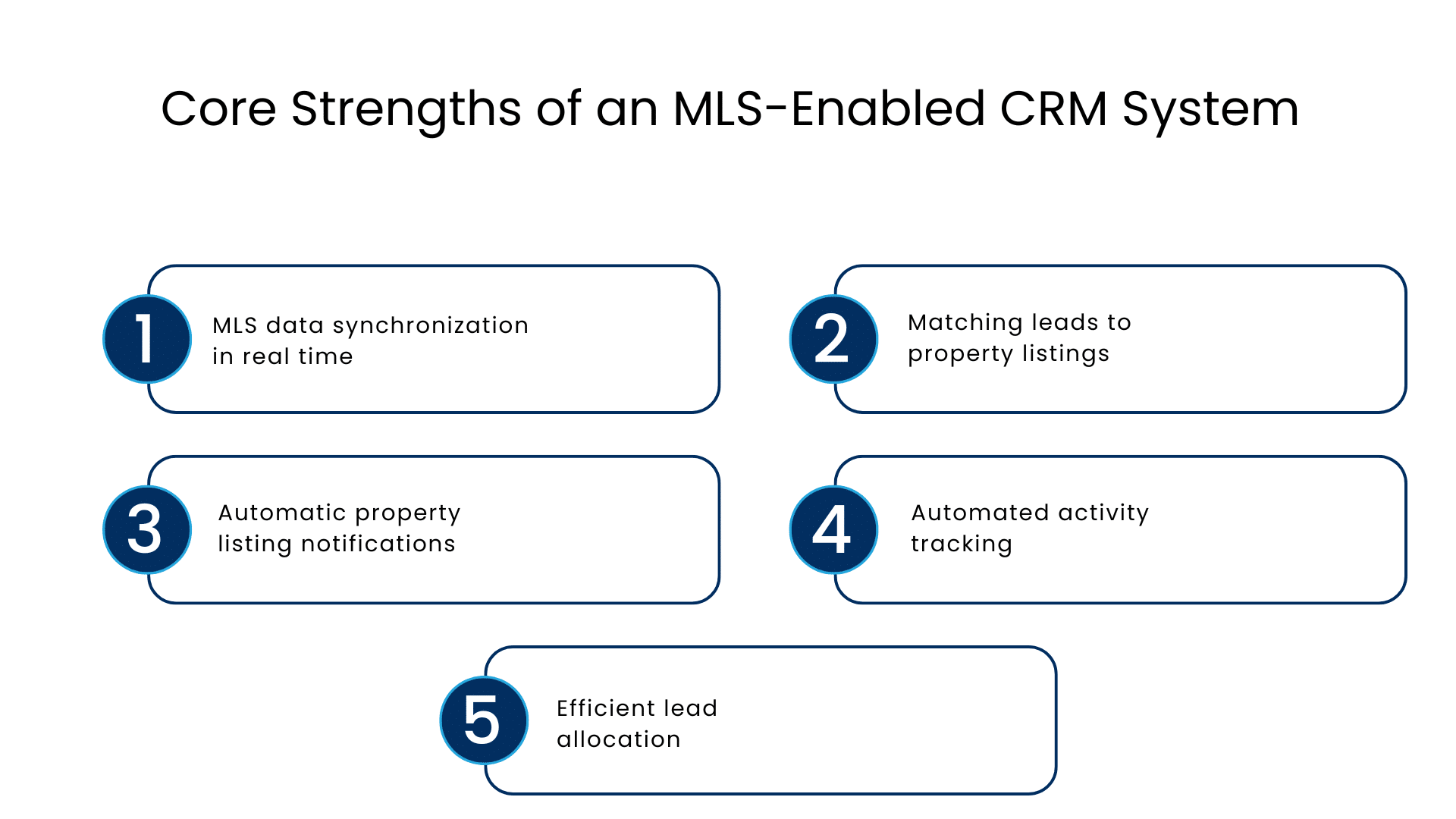
- MLS data synchronization in real time: Any modifications in listings’ status, price, and details are automatically uploaded into your CRM application.
- Matching leads to property listings: The system will automatically match properties with what the buyers like without requiring a separate search on your part.
- Automatic property listing notifications: Your clients receive automatic notifications regarding new property listings from the MLS data without needing you to notify them via email.
- Automated activity tracking: All activities, including visits, questions, and offers submitted, are automatically tracked for both the leads and properties.
- Efficient lead allocation: Leads can be automatically allocated to the agent in charge of the particular property type or listing.
Head-to-Head Comparison: Traditional CRM vs CRM With MLS Integration
| Feature | Traditional Real Estate CRM | CRM With MLS Integration |
| Listing Data Access | Manual import or separate portal | Real-time sync from MLS |
| Lead-to-Listing Matching | Agent-driven, manual | Automated by system rules |
| Listing Alert Automation | Not available natively | Built-in, triggered by MLS activity |
| Data Entry Overhead | High (dual-system management) | Minimal (unified data flow) |
| Pipeline Visibility | Lead activity only | Lead + property lifecycle combined |
| Reporting Accuracy | Limited (siloed data) | Comprehensive (cross-data insights) |
| Agent Productivity | Moderate | Significantly higher |
| Speed to Follow-Up | Slower (manual steps required) | Faster (automated triggers) |
| Buyer Experience | Reactive | Proactive and personalized |
| Implementation Complexity | Lower | Moderate (worth the investment) |
The difference isn’t subtle. Once you see a property CRM with MLS operating at full capacity, going back to manual workflows feels like navigating a city without GPS.
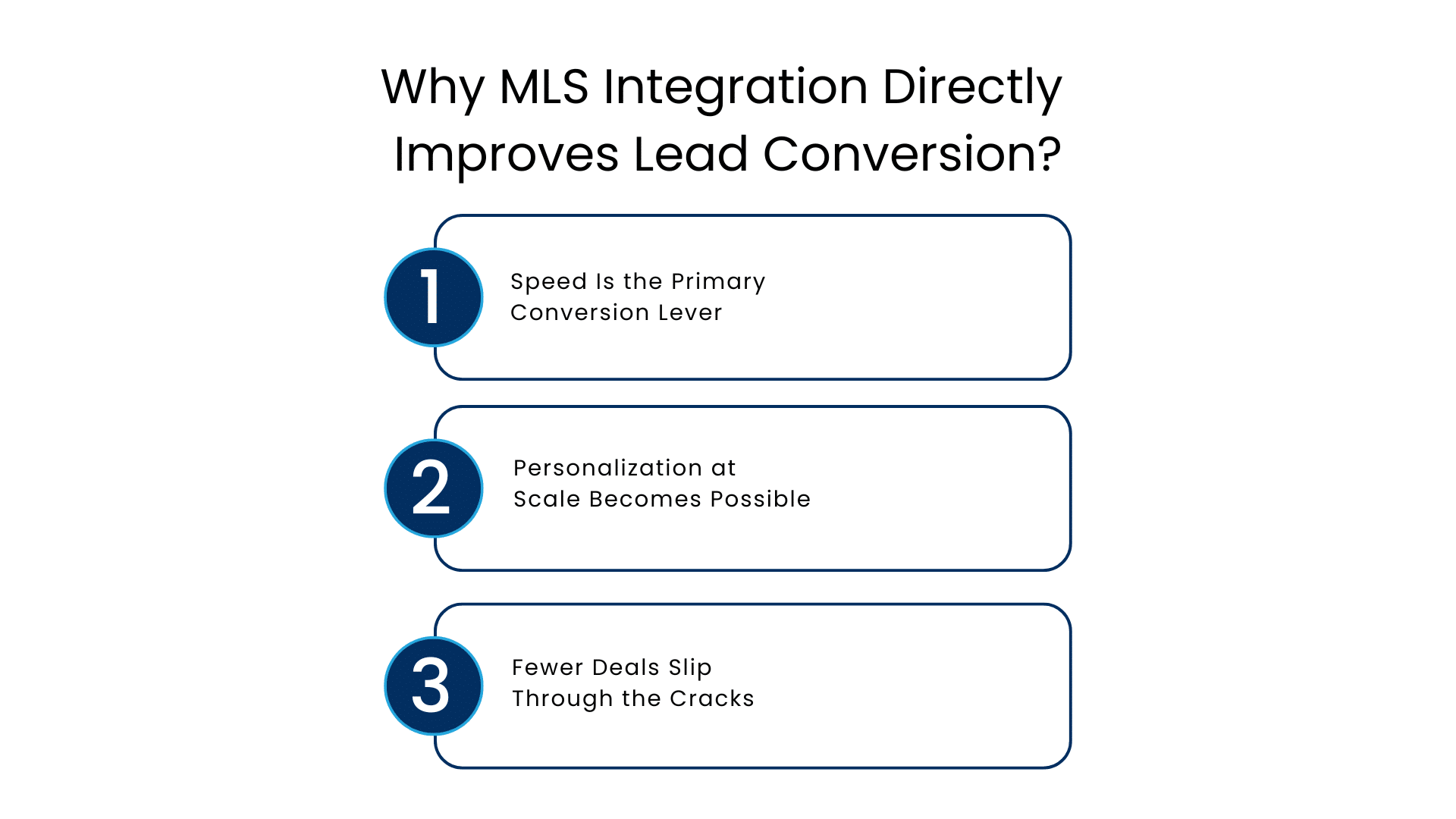
Why MLS Integration Directly Improves Lead Conversion?
Let’s be specific here, because “better conversion” gets thrown around a lot.
Speed Is the Primary Conversion Lever
Research consistently shows that lead response time is one of the strongest predictors of conversion in real estate. A prospect who receives a response within five minutes is dramatically more likely to engage than one who waits an hour. With an MLS-driven lead generation CRM, the system responds instantly – even if your agent is in a showing.
When a lead submits a search inquiry for a 2-bedroom condo under $450,000 in a specific neighborhood, the CRM can immediately surface three matching MLS listings, trigger a personalized email, and notify the most relevant agent – all within seconds of form submission.
Personalization at Scale Becomes Possible
Traditional CRMs can personalize communication based on what a lead tells you manually. An MLS-integrated system goes further: it can personalize based on active inventory that matches unstated preferences, flagging properties a buyer hasn’t even thought to look for yet.
That’s the kind of proactive service that earns referrals and repeat business.
Fewer Deals Slip Through the Cracks
In a busy brokerage, leads fall through the cracks not because agents don’t care – it’s because the system doesn’t remind them at the right moment. An MLS-enabled CRM can trigger re-engagement automatically when a new listing matches a dormant lead’s criteria. Deals that would have been lost are quietly revived.
Real-World Workflow Advantages for Brokers, Agents, and Teams
For a CRM for MLS property management to deliver its full value, it has to work differently across different roles in your organization. Here’s how that plays out in practice:
For Individual Agents
Agents spend less time on administrative tasks and more time in front of clients. They receive smarter alerts, have instant access to full listing context within each lead record, and can send buyers property matches directly from the CRM without switching tabs.
For Brokers and Team Leaders
Leadership gets visibility they’ve never had before. Which agents are working which listings? Which property types are converting? Where are leads stalling in the pipeline? When lead and listing data are unified, these answers are available in a single dashboard – not across three different reports.
For Operations and Marketing Teams
Marketing can run campaigns triggered by real MLS activity. When inventory in a high-demand neighborhood increases, the system can automatically launch targeted email sequences to leads who’ve previously searched in that area. This is MLS-driven lead generation operating at its most effective.
Explore how Salesforce for real estate enables this kind of cross-functional intelligence at scale, giving brokerages a unified view of every lead, listing, and deal stage.
Limitations Worth Acknowledging
No technology decision is without trade-offs, and an MLS-integrated CRM is no exception.
- Setup requires more upfront configuration: Mapping MLS data fields to your CRM objects, setting automation rules, and ensuring data quality during integration takes more time than deploying a standard CRM.
- MLS access rules vary by market: Not all MLS boards allow third-party CRM integrations under the same terms. Your implementation partner will need to navigate data licensing agreements specific to your region.
- Training investment is real: Agents accustomed to manual workflows sometimes resist the shift. Change management – not software capability – is often the bigger challenge in rollout.
That said, these are solvable problems. The right implementation partner makes the difference between a clunky setup and one that runs seamlessly from day one.
Expert Recommendation: Which System Should You Opt For?
There really is not a compelling reason to continue using a conventional CRM solution where the number of listings being handled by the brokerage office is relatively high and the volume of leads from buyers is constant. The inefficiencies it creates are robbing you of sales opportunities that you may not even recognize since you have grown accustomed to dealing with them.
Go with MLS integration first if:
- Your agents switch back and forth between more than two different platforms
- You are spending longer than 10 minutes responding to leads
- It is difficult to tell which properties are performing well when it comes to conversion rates
- Prospects for buying property start dropping off before follow up is conducted
Opt for a gradual approach if:
- You have a small team (fewer than five agents)
- You work in an MLS environment that is complicated and strict when it comes to data usage rights
- You want to gain commitment from the sales team prior to implementing the CRM
Conclusion
The real estate industry has always rewarded speed, relevance, and relationships. A CRM with MLS integration delivers all three in ways that traditional platforms simply cannot match.
When your lead data and your listing data operate as one, your team responds faster, your buyers feel better served, and your pipeline stays visible and actionable in real time. That’s not a feature upgrade – it’s a fundamental shift in how your brokerage operates.
FAQs
What is a CRM integrated with MLS?
CRM with MLS is a real estate CRM system that automatically retrieves information about listings directly from your MLS database. Thus, it helps you avoid any manual effort and get all required data like the property’s status, its price, availability, and so forth – instantly in your CRM.
What effects can MLS integration have on the lead conversion rate?
By integrating MLS, there is an opportunity for quicker reactions as well as faster personalization of real estate alerts immediately after posting a suitable listing. Furthermore, it will give you a chance to use automation to provide potential buyers with necessary information immediately and help your agents get a full picture of what leads look at and listings.
Is it worth getting an MLS-integrated CRM for a small real estate team?
Definitely! MLS integration helps save time even with a small team size, even a couple of agents will benefit from automation of listing alerts and lead-to-listing matching.
What is the distinction between an MLS-enabled CRM and a regular real estate CRM?
While a standard real estate CRM handles contacts, pipeline stages, and communications, it does not consider list information as an internal resource. With an MLS-enabled CRM, however, the list information gets directly incorporated within the application itself, thereby making sure that lead actions, agent activities, and listings can be handled under one roof.
How long does the process of integrating MLS data in CRM take usually?
The time frame for an MLS integration largely depends on your MLS board’s data licensing requirements, the CRM that you are opting for, and the intricacies involved in your business process. A good integration should take around four to twelve weeks with the help of a Salesforce/Proptech implementation partner.
For more insights, updates, and expert tips, follow us on LinkedIn.