How Salesforce Marketing Cloud AI Personalizes Every Email, Ad, And Message Your Brand Sends
Customers no longer judge a brand by one great campaign. They judge it by whether every message, across every channel, actually knows who they are. That expectation is exactly what Salesforce Marketing Cloud AI is built to meet.
Recent industry research puts a number on the gap. A global survey of over 4,400 marketing professionals found that most marketers still send generic, one-way campaigns even though the vast majority have adopted some form of AI. The problem is rarely a lack of ambition. It is fragmented data and disconnected channels that keep personalization stuck at a surface level.
This is where a connected approach to marketing automation changes the equation.
Why Personalization Keeps Breaking at Scale
Most companies personalize their emails at the very beginning of the journey. But how many could sustain this level of personalization at ten contact points, three media channels, and one mobile-shifting customer?
The usual culprits:
- Customer data sits in separate systems for email, ads, and service
- Segmentation rules are static and go stale within weeks
- Content teams manually rebuild variations for each channel
- There is no shared source of truth for real-time behavior
Marketing Automation Software solves a part of this by removing manual send scheduling. But automation without a unified data layer just automates the same generic message faster.
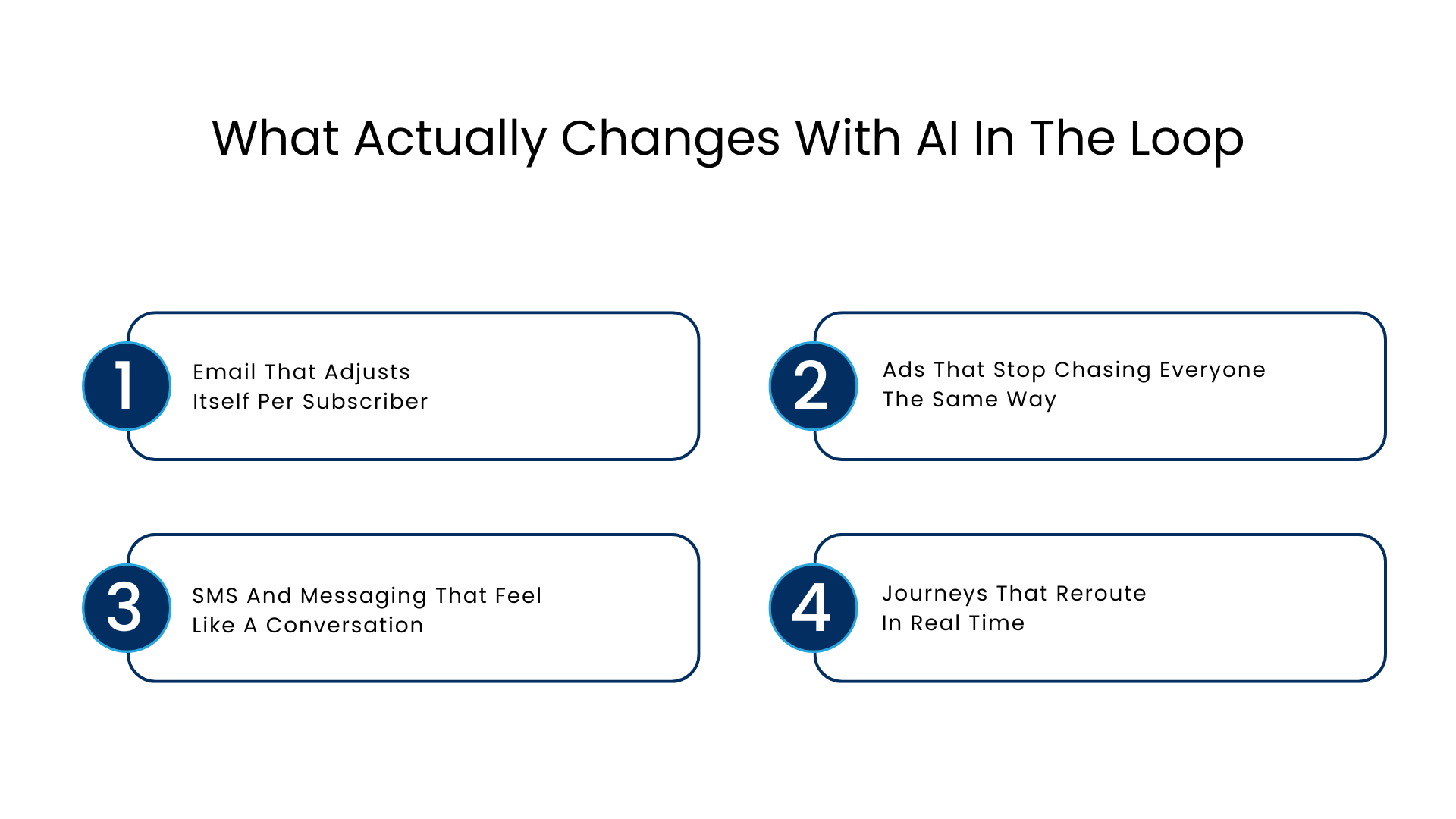
What Actually Changes with AI In the Loop
Salesforce Einstein AI works differently because it draws from unified customer profiles rather than isolated campaign lists. Every send, offer, and next-best-action recommendation is generated from the same behavioral and transactional data, whether the channel is email, SMS, push, or paid social.
Here is what that looks like in practice.
Email That Adjusts Itself Per Subscriber
Instead of one static template going to a full list, the platform can:
- Switch the subject line depending on the predicted probability of opening
- Rearrange the products depending on browsing and purchasing history
- Send it at a time when the recipient usually engages
- Prevent showing an offer that the user has already availed himself of elsewhere
A retail brand running a seasonal sale, for example, does not need five separate email versions. The system builds relevant variations from one base template using live customer signals.
Ads That Stop Chasing Everyone The Same Way
Paid media budgets get wasted when the same ad reaches a customer who already converted. AI in Salesforce Marketing Cloud connects advertising audiences directly to CRM and engagement data, so ad platforms receive updated suppression and targeting lists automatically. That means media spend follows people who are actually still in the consideration stage.
SMS And Messaging That Feel Like A Conversation
The channels with the greatest level of attention and least tolerance for irrelevance are messaging via text and applications. A confirmation of a reservation, a shipping delay, or a message regarding renewals may be triggered by a live CRM event rather than a set calendar.
Journeys That Reroute In Real Time
A customer who abandons a cart, then calls support about a shipping delay, should never receive a cheerful “come back and shop” email an hour later. Connected journeys catch this and adjust automatically.
This is the practical difference between older rule-based automation and what Agentforce in Salesforce Marketing Cloud makes possible now. Journeys can sense a service interaction, a support ticket, or a churn signal and change the next message before it sends, not after a campaign has already gone out.
A Quick Comparison: Rule-Based Automation vs. AI-Led Personalization
| Capability | Traditional Marketing Automation | Salesforce Marketing Cloud AI |
| Segmentation | Fixed lists, manually updated | Dynamic, updates with live behavior |
| Send timing | Scheduled by campaign calendar | Individually optimized per subscriber |
| Content variation | Built manually per segment | Generated from unified profile data |
| Channel coordination | Each channel plans separately | Shared customer view across channels |
| Response to service events | Delayed or missed | Adjusts journeys in near real time |
Where Agentforce Fits Into The Picture
The Agentforce Marketing Cloud takes this a step further by executing actions that were previously handled by someone who needed to look at the dashboard and kick-start the next action manually. The agent is capable of analyzing the campaign’s performance, identify poorly-performing segments, create different versions of copy that need to be reviewed, and even pass off qualified leads to sales teams.
Salesforce’s own research on adoption backs this up. According to the Salesforce State of Marketing report, most marketers already use at least one form of AI, yet fewer than one in seven have moved to agentic AI so far. The teams that have made the jump report meaningfully better satisfaction with how well their channels stay connected to each other.
Governance Is Not Optional Anymore
Personalization at this level touches sensitive customer data, so trust and compliance cannot be an afterthought. Data masking, audit trails, and zero-retention handling of AI prompts matter just as much as the personalization itself, especially for regulated industries like financial services, healthcare, and real estate.
Marketers evaluating any AI in Salesforce Marketing Cloud rollout should ask three questions before scaling it:
- Where does customer data live, and is it unified or scattered
- What guardrails exist around what an AI agent can send without review
- How is consent and regional privacy law reflected in the personalization rules
Teams that skip this step tend to build fast and then stall once legal or compliance flags the rollout.
A Practical Path to Rolling This Out
Jumping straight to full automation across every channel rarely works. A phased approach tends to hold up better in production.
- Unify customer data first, before adding new AI features on top of messy records
- Pick one channel, usually email, and prove personalization lift before expanding
- Add real-time triggers from service and support events once email is stable
- Extend into ads and SMS once the data foundation supports both
- Bring in agent-led tasks like performance monitoring after the basics run smoothly
Teams that follow this order see fewer rollbacks and faster buy-in from stakeholders who want proof before more budget gets committed.
What To Look for In Implementation Support
But not all rollouts are smooth, and that is usually due to data readiness issues and not platform issues. In assessing platform support for projects like this, be sure to assess their ability to demonstrate:
- Experience unifying data from multiple source systems, not just Salesforce-native tools
- A track record with Einstein Analytics for measuring what the AI actually improves
- Clear governance frameworks for AI-generated content and agent actions
- Industry-specific experience, since a real estate lead journey looks nothing like a healthcare appointment reminder
Conclusion
The direction with Salesforce Marketing Cloud AI is clear even if adoption is uneven industry to industry. Fewer marketers will manually build individual campaign variants. More will supervise AI-driven decisions and step in only where judgment or brand nuance is needed. The brands moving fastest are not the ones with the most tools. They are the ones with the cleanest, most connected customer data feeding those tools.
FAQs
Is Salesforce Marketing Cloud AI replacing the need for a marketing team?
No, it eliminates the time-consuming routine of list creation, sending timing, and even content variations, so your marketing team gets more time to strategize, plan and control the work of AI.
How does the Agentforce Marketing Cloud differ from an ordinary chatbot?
While a chatbot answer using a pre-written script, this solution analyses live campaign data and then either recommends something or executes a particular action, and only in case if human intervention is required.
Is it safe to use the Salesforce Einstein AI with customer data?
Absolutely, because the product incorporates data masking, audit logs, and zero-retention prompt processing for AI, which is particularly important for healthcare, financial services, and real estate industries.
Which is the first thing to do in case your business has messy or scattered customer data?
The initial step would be to unify the customer data, because personalized communication that is created on the basis of messy records will definitely be inconsistent and erroneous despite the toolset you use.
Can such campaigns work effectively without a big budget for a small marketing team?
Sure, if the launch is gradual. It begins with just one medium, normally email, then proceeds only after getting the desired results, eventually moving to advertisements and SMS.
For more insights, updates, and expert tips, follow us on LinkedIn.