How to Add a smart AI Chatbot to Your Salesforce Without Writing a Single Line of Code
A few years ago, adding a Salesforce AI chatbot meant a development sprint, a budget line, and a wait of several weeks. That is no longer true. Today, most teams can build a working assistant using point-and-click tools already sitting inside their org.
This guide walks through what changed, what a no-code build actually looks like, and where a chatbot fits into the rest of your Salesforce setup.
Why AI Chatbots No Longer Require Developers
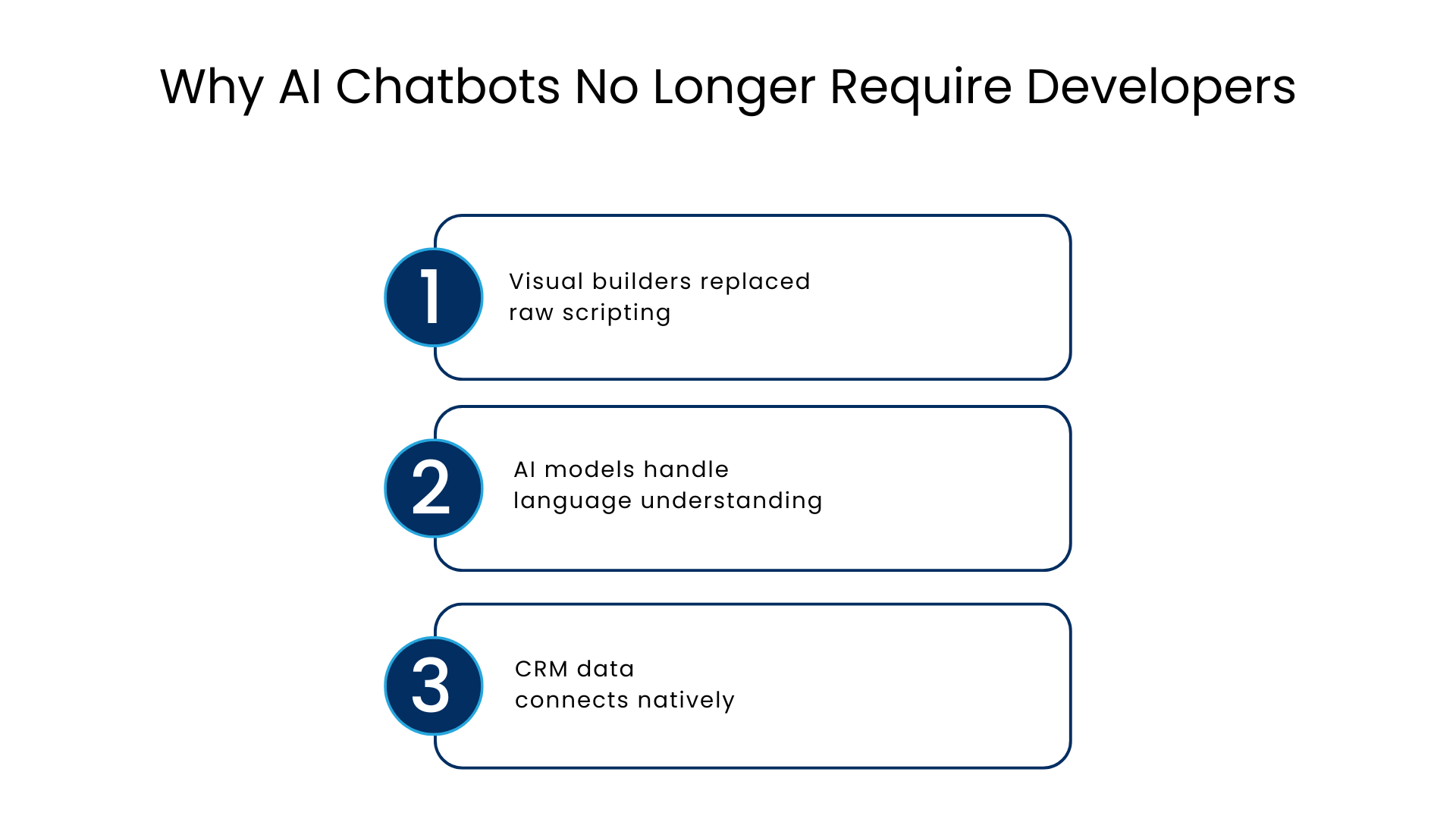
Three things shifted at once, and together they removed the need for custom code in most cases:
- Visual builders replaced raw scripting: Conversation flows, intents, and actions are now assembled through a drag-and-drop interface instead of written line by line.
- AI models handle language understanding: The heavy lifting of interpreting what a customer actually means now happens inside the platform, not in custom logic you have to write.
- CRM data connects natively: A chatbot can pull directly from existing records, cases, and knowledge articles without a developer building an integration layer first.
The result is that a Salesforce administrator, not just a developer, can configure a working assistant in days rather than weeks.
Where No-Code Fits Into Salesforce
The no-code chatbot development solution offered by Salesforce revolves around Agentforce, which is powered by Einstein for language understanding. Essentially, the development of an assistant involves three fundamental components:
- Topics, which outline the topics within which the assistant may speak.
- Actions, which are the individual actions it is able to do, such as checking on an order or creating a case.
- Instructions, which are written in plain language about how it should respond.
None of these require Apex, JavaScript, or any programming language. They are configured through forms and templates inside the builder.
What a No-Code Build Actually Involves
A typical setup follows a simple sequence:
- Choose a template that fits your use case scenario, be it customer service or lead generation.
- State the categories of queries that the assistant will respond to through proper explanations of the scenarios.
- Link the action to the appropriate Salesforce object, flow, or article.
- Give instructions for the response using conversational language based on tone and scope, with escalation guidelines.
- Test the conversations in the conversation builder before going live on a channel.
All of this is done within the same platform, ensuring that the entire development process can be accomplished in one afternoon for simple use cases.
From Customer Questions to Automated Actions
The real value of a Salesforce chatbot shows up once it moves past answering questions and starts completing tasks. A few examples that come up constantly in practice:
- Lead qualification: The assistant asks a handful of questions, scores the response, and routes the lead to the right rep automatically.
- Case creation: A support question that can’t be resolved instantly becomes a properly logged case, with the conversation history attached.
- Appointment scheduling: Customers book a slot directly through the conversation, and the record syncs to the calendar without anyone re-entering details.
None of this needs a separate system bolted on. The actions run against the same CRM data your sales and service teams already use.
Building Conversations That Actually Help Customers
A chatbot is only as useful as the information it can draw on. This is where knowledge base integration matters more than most buyers expect going in.
An assistant that is connected to the knowledge base is able to give an answer to the specific questions related to products or policies rather than providing a general answer and transferring everything to a human. Some useful tips:
- Keep instructions specific rather than vague. “Explain refund eligibility using the refund policy article” works better than “help with billing questions.”
- Test edge cases, not just the happy path. What happens when a customer asks something outside scope matters as much as what happens when they ask the expected question.
- Review actual conversation transcripts early and often. Real customer phrasing rarely matches what you assumed during setup.
Connecting AI With Your Existing Salesforce Data
A chatbot that can’t see your CRM data is little more than a scripted FAQ page. The advantage of building inside Salesforce is that the assistant already has access to the same account history, case records, and opportunity data your teams rely on.
This is because the grounding is important in terms of both accuracy and personalization. Firstly, it is easier to give a precise answer about the order status when one is able to check it rather than just make an assumption based on a general template. Secondly, the fact that the client contacted me before makes a difference.
When Human Support Should Take Over
No chatbot should try to handle everything, and a well-configured one knows when to step aside. Escalation rules are usually built around a few triggers:
- The customer explicitly asks for a human
- The assistant’s confidence in understanding the request drops below a set threshold
- The topic falls outside what the assistant is scoped to handle, such as legal or sensitive account changes
When escalation happens well, the human agent picks up with full context already available, including the transcript and any information already gathered. That handoff, more than the automation itself, is often what determines whether customers feel well served.
No-Code Build vs Traditional Custom Development
| Factor | Custom-Coded Chatbot | No-Code Salesforce Chatbot |
| Time to first working version | Weeks to months | Days |
| Who can build it | Developers only | Admins and consultants |
| CRM data access | Requires custom integration | Native, built in |
| Ongoing changes | Requires a development cycle | Updated directly in the builder |
| Testing | Separate QA environment | Built-in conversation testing |
| Cost to maintain | Higher, ongoing dev time | Lower, config-based updates |
Keeping It Secure While Moving Fast
No-code does not mean no oversight. Every action a chatbot can take should respect the same permission sets and sharing rules that already govern your CRM.
What to Check Before Launch
A few things worth checking before launch:
- The assistant only sees fields and records its underlying user profile already has access to
- Any action that writes or updates data goes through the same approval logic a human would follow
- Conversations involving sensitive topics are logged for review, not just for compliance but to catch gaps early
Getting this right the first time matters more than moving fast, since a chatbot with overly broad access is harder to correct after customers have already interacted with it.
Conclusion
The uptake of AI agents in customer service companies increased from 39 percent in 2025 to 66 percent in 2026 based on Salesforce’s State of Service report, with most of the increase coming from companies improving upon their CRM database.
None of this can take the place of analytics. Analyzing which types of queries the agent does well with, which queries it escalates too much, and which queries the clients are asking for the most helps create an effective assistant out of the initial version. The first weeks following implementation are usually considered fine-tuning time.
Reviewing conversation data regularly is exactly the kind of ongoing work that benefits from outside experience. Many teams bring in Salesforce consulting services to help refine topics, tighten instructions, and connect additional actions as the assistant proves itself.
FAQs
Is it necessary to hire a developer to create a chatbot in Salesforce?
Not always. Most chatbots now are created using a visual builder, which is easily configured by administrators and consultants. However, a developer can be helpful when developing a chatbot that requires complex custom actions.
How much time does it take to implement a no-code chatbot?
A simple implementation of the assistant usually takes just a few days.
Does an assistant work with any data not related to Salesforce?
It depends on the configuration of the assistant. The data from the native CRM is automatically connected, and external systems require connection or integration to the assistant.
What will happen if the assistant misunderstands the client’s message?
If the assistant is configured properly, the conversation will be immediately escalated to a human operator who will get all the information about the communication process.
Is it safe to use a no-code chatbot for customer data?
Yes, but only when it works in the same permission sets and sharing rules as the CRM, not having more permissions than a human.
For more insights, updates, and expert tips, follow us on LinkedIn.