Is your Salesforce data ready for AI? Here’s how to find out and fix it fast
Most businesses do not have an AI problem. They have a data problem wearing an AI costume. Before you turn on another feature or agent, it helps to check your Salesforce AI Readiness first, because every prediction, score, and automated action is only as good as the records behind it.
This matters right now because AI inside Salesforce is not optional anymore. It is quietly becoming the default way sales, service, and marketing teams work. The good news is that getting ready is more practical than most leaders expect.
Key Takeaways
- AI features only perform as well as the customer records feeding them.
- Duplicate, incomplete, or outdated records are the most common blocker to reliable AI results.
- A short readiness check can reveal exactly where to focus first.
- Fixing data quality is faster and cheaper than most teams assume.
- An experienced Salesforce consulting partner can shortcut the process significantly.
Why AI Starts with Better CRM Data
Each and every artificial intelligence aspect that exists within Salesforce, whether it’s lead scoring or autonomous agents, is pulling information from the same place – your CRM records. And if those records are dirty, well, then AI just speeds up the process of making mistakes.
This claim is even backed by Salesforce’s research itself. As stated in Salesforce’s State of IT report, many IT leaders believe that reliable data is vital for successful implementation of AI, and many companies are actually allocating a sizable portion of budget on it.
A separate Salesforce security study found that nearly half of IT leaders worry their data foundation is not ready to support autonomous AI agents at all. That gap between ambition and readiness is where most AI projects quietly stall.
This is why Salesforce AI Readiness has become such a common conversation in boardrooms. It is no longer a technical detail. It is a business decision.
Five Signs Your Salesforce Data Needs Attention
You do not need a full audit to spot trouble. A few warning signs usually show up first.
- Duplicate contacts: The identical contact is entered in three variants of spelling.
- Incomplete information in leads: The lead lacks essential information such as industry, position, phone, or email address.
- Old information: The contact left the company long ago but is shown as an active one.
- Incorrectly filled out picklists: “New York,” “NY,” and “new york” are listed separately.
- Different data sources: Each department has its own copy of the customer record.
If two or more of these sound familiar, your organization likely has real gaps in Salesforce data for AI to work with confidently.
A Quick Salesforce AI Readiness Check for Business Teams
Here is a simple way to gauge where you stand before investing further in automation or agents.
| Readiness Signal | Not Ready Yet | AI Ready |
| Duplicate records | Frequent, uncorrected | Rare, actively managed |
| Field completeness | Many blank fields | Core fields consistently filled |
| Data freshness | Records rarely updated | Refreshed on a regular cycle |
| Ownership | No clear data owner | Named steward per data type |
| Governance rules | Informal or missing | Documented and enforced |
Checklist: Are You Ready to Move Forward?
- We know our current duplicate rate
- Core fields are mandatory at data entry
- Someone owns data quality as a real responsibility
- We refresh and validate records on a set schedule
- We have tested AI features on a small, clean sample first
If you checked fewer than three boxes, that is completely normal. It simply means the next step is preparation, not a bigger AI rollout.
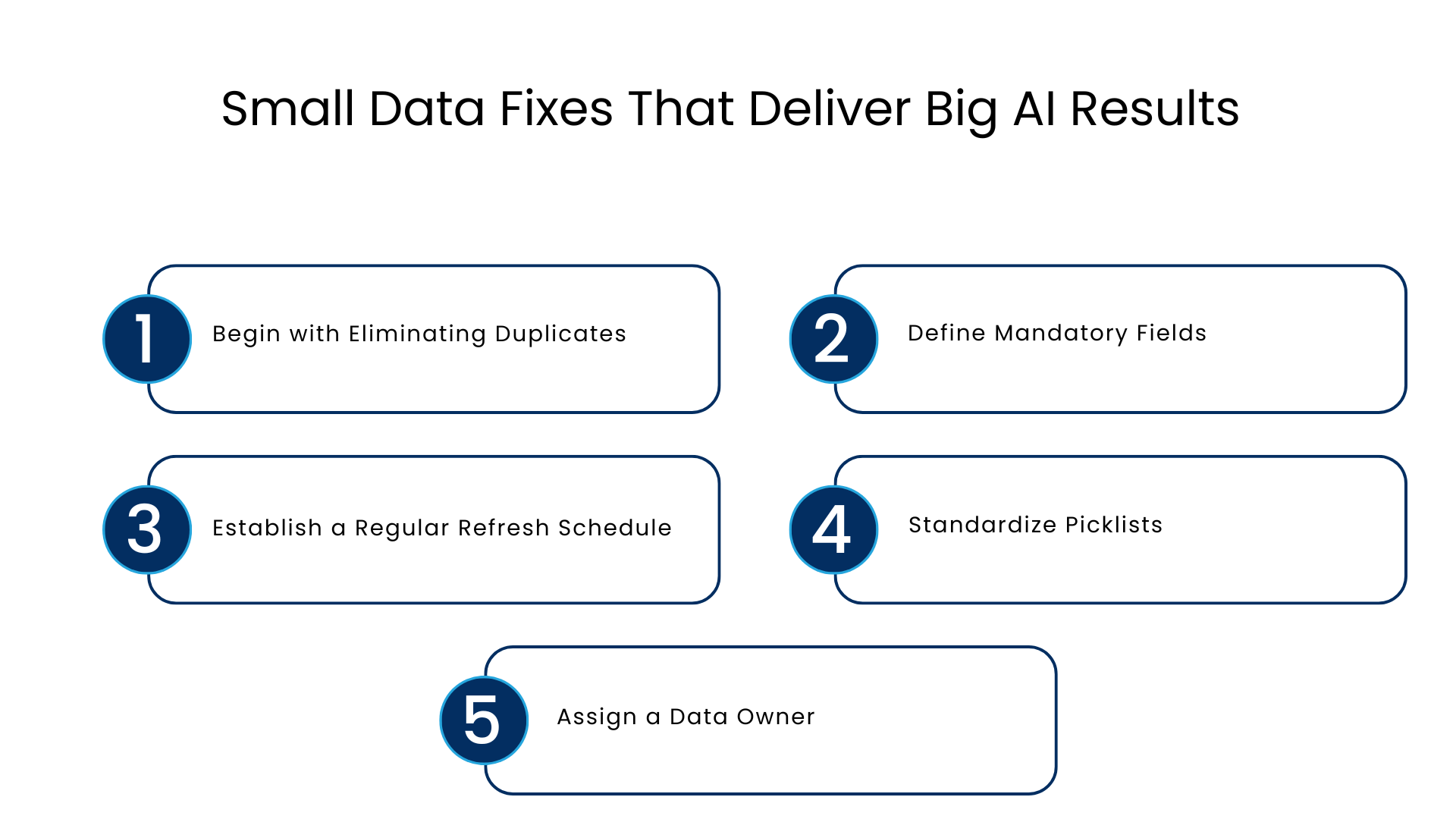
Small Data Fixes That Deliver Big AI Results
The encouraging part is that most improvements do not require a system overhaul.
Begin with Eliminating Duplicates
Elimination of duplicate contacts and accounts can often be the only way to increase accuracy quickly. Salesforce native functionality and matching rules will catch most duplicates in just a few days.
Define Mandatory Fields
Setting validation rules on fields such as industry, phone number, or region prevents new erroneous data from getting into the system, while the old data is cleaned.
Establish a Regular Refresh Schedule
Stale contacts are silently corrupting lead scores. A quarterly check of such contacts helps to keep the CRM clean.
Standardize Picklists
Replacing free-text fields with controlled picklists removes an enormous source of inconsistent, unusable data.
Assign a Data Owner
Data governance rarely fails because of tools. It fails because no one is accountable. One named owner per data domain changes this quickly.
Where Agentforce Fits Into a Bigger AI Strategy
Agentic AI is the next layer once the data foundation is solid. Salesforce Agentforce lets autonomous agents qualify leads, answer service questions, and update records without waiting on a human for every step.
But such autonomy of automation depends entirely on how accurate the customer 360 view behind it is. The representative making his decisions using inaccurate or duplicated data will be equally confident whether he makes right or wrong decisions. It is the quality of the data that makes automation beneficial rather than risky.
This is also where the difference between assistive tools and true autonomous agents becomes clear. Older automation waits for instructions. Agentforce plans, acts, and adjusts, which means the underlying data needs to be trustworthy at every step, not just accurate on the day it was entered.
Common Mistakes Organizations Make
- Turning on AI before checking the data. Enthusiasm outruns preparation.
- Treating data quality as an IT-only task. Sales and service teams create most of the mess and should help fix it.
- Cleaning once and stopping. Without ongoing data hygiene, records degrade again within months.
- Ignoring integration gaps. Data trapped in disconnected systems cannot support unified customer intelligence.
- Skipping a small pilot. Testing on a clean sample first avoids scaling mistakes across the whole org.
Turning Clean Data into Smarter Decisions
Once records are trustworthy, the benefits show up quickly. Sales teams get predictive insights that actually hold up. Service teams get accurate case histories instead of guesswork. Marketing gets unified customer data instead of three conflicting profiles.
Intelligent automation becomes much less risky as well when it is running from a reliable foundation. Reminders, routing, and follow-ups can operate without needing any human interaction because the customer data itself will always be up to date and accurate.
And that is the true power of AI-enabled Salesforce: Not overwhelming features, but making decisions quickly and confidently thanks to having reliable data.
What Successful AI Projects Have in Common
Across successful rollouts, a few patterns repeat. Teams that succeed usually:
- Start with an honest data quality assessment before choosing which AI features to enable
- Fix a small number of high-impact issues first, rather than trying to solve everything at once
- Assign clear ownership for ongoing data governance
- Pilot new automation on a limited, clean data set before expanding it
- Bring in outside expertise when the internal team lacks bandwidth or specialised experience
This last point is where an experienced Salesforce consulting partner earns its keep. A good implementation partner has typically seen the same data problems across dozens of organizations and knows which fixes matter most for your specific setup, whether that is CRM optimization, Agentforce implementation, or broader Salesforce consulting services. Working with a team that also offers ongoing managed services means data hygiene does not slip once the initial project ends.
Conclusion
You do not need a multi-month project to make real progress. Start with the Salesforce AI readiness checklist above, fix the two or three issues causing the most damage, and test a single AI feature on that cleaner data before expanding further.
Most organizations find that a focused, two to four week data cleanup delivers a noticeably better AI experience than jumping straight into a large rollout.
FAQs
How do I tell if my Salesforce data is truly ready for AI?
Perform a simple audit of duplicate rates, empty fields, and record recency. Should any of them appear untidy, sort them out before implementing any additional AI functionality.
Is there a need for any additional software to improve Salesforce AI Readiness?
No. There are several means of improving your Salesforce readiness without having any new software, including deduplication and validation rules.
How much time will the basic cleanup process take?
The initial cleanup process aimed at solving the main problems takes between two and four weeks, depending on data volume and complexity.
Can I use Agentforce with dirty data?
Using Agentforce without a clean source of data will not be beneficial and will not give reliable and accurate results.
Does a small company need to think about Salesforce Data Quality for AI?
Yes. Small companies often achieve faster results through the cleanup process due to smaller amounts of data.
For more insights, updates, and expert tips, follow us on LinkedIn.