


From Manual to Automatic: Transform Your CRM with SF Dynamic Field Mapping
The rapidly evolving business environment requires speed and accuracy as pre-requisites rather than optional features. Both of these are provided by salesforce which is the most popular CRM system capable of efficiently managing customer data while providing a streamlined flow of operations.
When customer volumes begin to increase, the data management system inside the salesforce becomes complex. Where manually doing the work is nearly impossible because of high time consumption, SF Dynamic Field Mapping does the job right.
It enables data to flow automatically between various parts of salesforce without any manual effort. The need to enter the data one by one is eradicated and replaced with effortless automation. Rather than spending time on entering data one by one and doing repetitive coding, agents save their time so that focus can be targeted on other high-value tasks.
As a result, high data accuracy is achieved along with a faster flow of operations.
Businesses can strategically transform their salesforce into a smart, automatic, more-efficient, and user-friendly platform. They just need to leverage tools like Field Sets, Apex, and Lightning Web Components (LWC).
If your business needs are not efficiently met by existing CRM, it might lack Dynamic field mapping. Whether the concern is managing high volumes of leads or automation, integrating systems or data entry, everything is handled seamlessly.
What is Dynamic Field Mapping?
In dynamic field mapping, fields are connected across different salesforce objects with the use of predefined rules set up by developers or administrators to make sure every piece of data entered in one place gets automatically transferred to another place without any manual intervention by human agents.
When a user enters its details for inquiry, CRM catches it and saves it as a lead. Later, when this lead converts into a customer, it is required to be saved in the customer’s record. Instead of team members manually copying details from lead records and pasting them into customer contact records, salesforce does it automatically. Hence, the process is completed faster and there is no room for errors. Also, the teams are saved from repetitive efforts and frustration at the same time.
Instead of hardcoding mappings every time a process changes, Dynamic Field Mapping allows flexibility. Administrators can update rules and configurations easily, making the system adaptable to evolving business requirements.
As the business requirements evolve with time, administrators or developers can update the rules and configurations easily so that workflows can be flexible. Everytime when there are any changes in process, hardcoding mappings are no longer needed.
This approach not only saves time but also ensures consistency across records, which is critical for reporting, analytics, and customer relationship management.
How Dynamic Field Mapping Works?
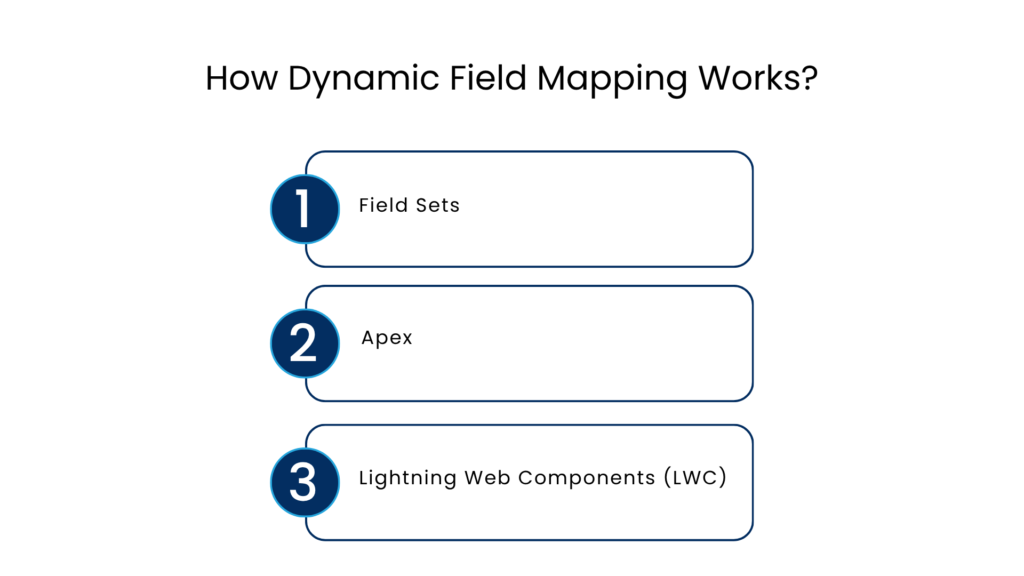
Field Sets
Field Sets are groups of fields defined on a Salesforce object. Salesforce Administrators can configure these sets to control which fields should be displayed or used in specific processes.
Instead of hardcoding fields into forms or workflows, Field Sets provide a flexible way to manage them dynamically.
Every salesforce object such as lead, contact, or account consists of fields. For example, a lead is an object in a CRM and requires details like name, email, phone, company, address, etc. all of these details serve as field sets.
Administrators can configure which fields should appear on forms, pages, or processes without having to code every time. They just add or remove fields as per the requirement within minutes.
Why it matters for businesses:
By reducing unnecessary fields, Field Sets:
- Minimize clutter
- Improve user experience
- Speed up the data entry process
- Reduce coding efforts
This flexibility ensures that Salesforce remains clean, organized, and easy to use.
Apex
Apex is the programming language that runs the salesforce system at the backend. Every automated action that is happening is possible only because of apex as it is used to implement custom logic and automation
In Dynamic Field Mapping, Apex helps Salesforce to:
- Move data from one salesforce object to another
- Apply business rules and instructions efficiently
- Perform automated tasks
- Validate data before saving
Why it matters for businesses:
Apex significantly reduces the manual processes and ensures a seamless flow of operations. Everything happens accurately with least probability of errors.
With Apex:
- Errors are minimized
- Processes are automated
- Repetitive data entry tasks are vanished
- Teams save time
Lightning Web Components (LWC)
Instead of displaying all fields to all users, LWC ensures that only relevant fields appear based on the context.
Rather than viewing all fields, the user sees only the relevant fields based on the context with the help of LWC.
Why it matters for businesses:
Users get an organized interface which is easy to understand and operate. This helps them to adopt better and come back again. With the help of LWC:
- Interfaces become intuitive and user-friendly
- show/hide fields dynamically
- Improve speed and performance
- Navigation becomes simpler
Benefits of Dynamic Field Mapping
Flexibility
Dynamic Field Mapping offers flexibility that allows businesses and their processes to evolve constantly with changing needs of the market as well as customers. With this, salesforce does not need extensive redevelopment and adapts more quickly to everyday changes.
Reduced IT Dependency
Administrators are able to work independently without relying on IT professionals. They can manage mappings according to the requirements which leads to faster workflows and agile operations.
Improved Data Accuracy
When manual data entry is eliminated and automation enters the workflows, the chances of errors and inconsistencies decrease. All the data is transferred with complete accuracy across records.
This ensures reliable information for reporting and decision-making.
Better User Experience
Users see what is relevant rather than unnecessary fields which confuses them. The interface becomes less overwhelming and more intuitive which is easy for new users to adapt. Also, the clean interface enhances the system productivity.
Cost Efficiency
By minimizing the need for constant development and reducing manual effort, businesses can lower operational costs.
Automation helps teams do more with fewer resources.
Real-World Use Cases
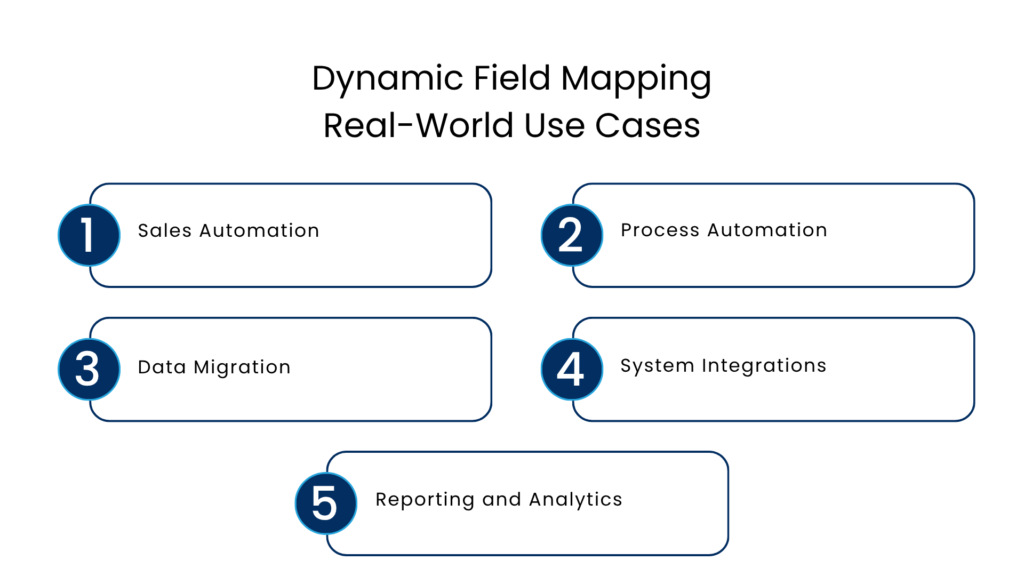
1. Sales Automation
Whenever a salesforce subject is changed, e.g. lead convert into a customer contact,dynamic field mapping automatically transfers all relevant data from the former to latter.
This enhances the CRM productivity and does not let any lead to be ignored or lost.
2. Process Automation
Every business has their own unique workflow and to cope up with this, SF dynamic mapping helps to create forms that are adaptive to those workflows.
For example, for various departments, customized systems can be built consisting of fields and other SF features according to their requirements.
3. Data Migration
In the process of transferring data between various objects or in the cases, when data is imported from external systems, it is made sure by dynamic field mapping that there is no room for errors and misalignments.
4. System Integrations
Dynamic Field Mapping ensures salesforce integrators well with other platforms like common citation systems or marketing tools by providing smooth data exchange between systems, maintaining consistency across platforms.
5. Reporting and Analytics
With the help of efficient field mapping, data-driven decisions can be taken easily because it is ensured that every bit of data is accurate. This helps businesses to rely on reports based on that data.
Challenges to Consider
While SF dynamic mapping has a myriad of benefits to consider, there are still some common challenges that are generally faced by enterprises.
Initial Setup Complexity
A very careful planning system is necessary for setting up field sets, mapping rules, and apex logics because any error in this can lead to misconfiguration and system inefficiencies.
Ongoing Management
With the changing needs of a business and market standards, mappings are also required to be updated. Doing this without a proper documentation system is quite challenging.
Need for Expertise
While administrators are available for businesses to handle the issues related to SF mapping, there are some complex situations where expert developer support is required.
Conclusion
Modern businesses are increasingly using SF Dynamic Field Mapping to upgrade their salesforce into a more adaptable, efficient, fast, and user-friendly CRM system.
When data automatically flows between various objects according to the changes occurring in workflows the need for human intervention is eliminated.
Tools like Field Sets, Apex, and Lightning Web Components come together and provide a salesforce that is flexible and beneficial in every aspect.
In a world where speed, accuracy, and adaptability define success, Dynamic Field Mapping helps businesses stay ahead by making Salesforce smarter, more efficient, and ready for the future.
FAQs
How does Dynamic Field Mapping improve data accuracy?
Since data is automatically transferred between records, there is minimal chance of human error such as incorrect entries or missing information. This ensures consistency across all records.
What happens when a lead is converted into a contact?
When a lead is converted, all relevant information like name, email, and phone number is automatically transferred to the contact record. This eliminates the need to manually copy and paste data.
How does LWC improve user experience?
LWC makes interfaces intuitive by showing only necessary fields, simplifying navigation, and improving system speed and performance.
What are the main challenges of Dynamic Field Mapping?
Some challenges include initial setup complexity, the need for proper planning, ongoing updates as business needs change, and occasional requirement of developer expertise.
For more insights, updates, and expert tips, follow us on LinkedIn.