

What is MCP in Claudeforce and How Custom MCPs Benefit Your Business
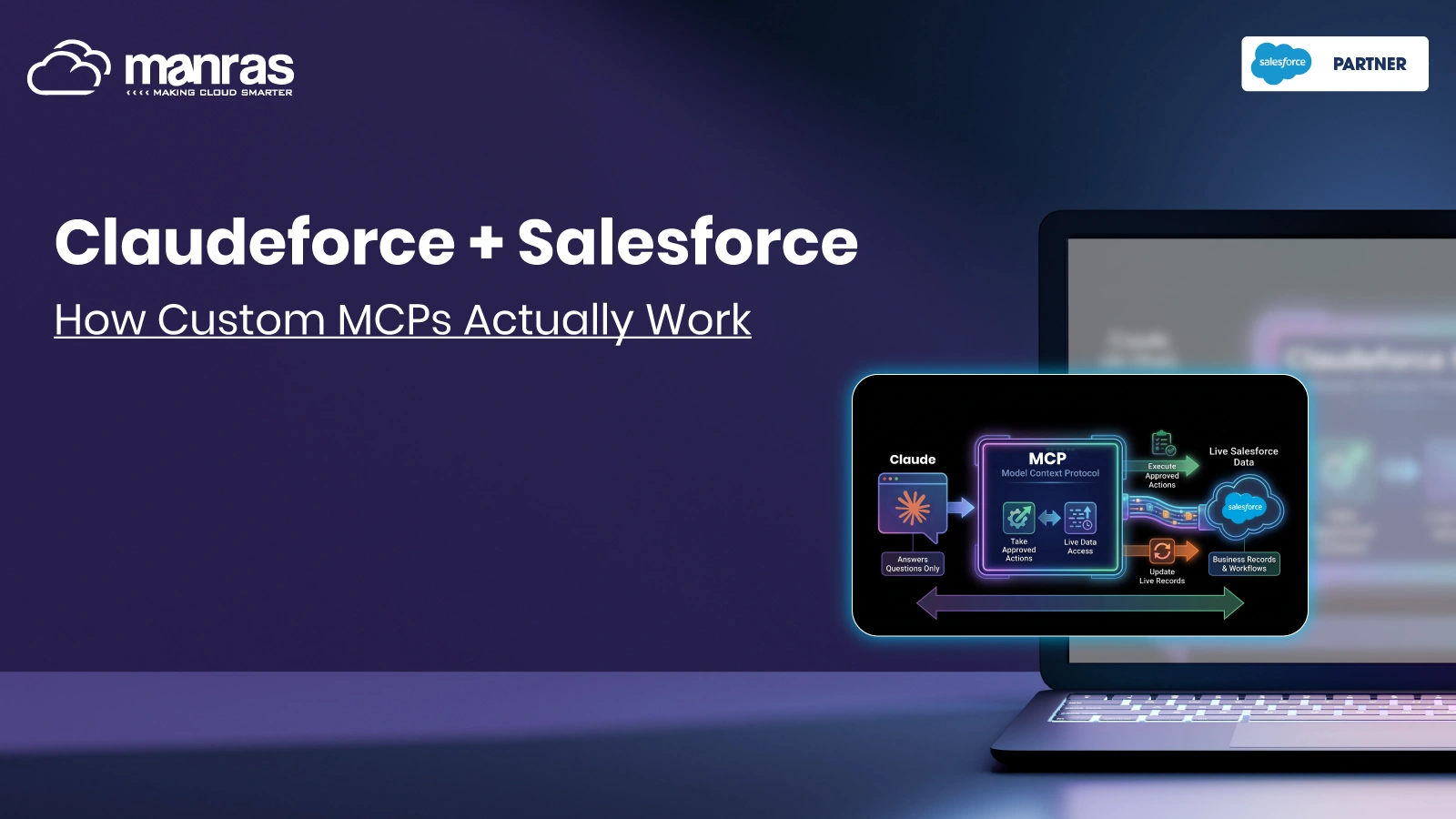
Claudeforce MCP is what lets Claude work with live Salesforce data and take approved actions, instead of only answering questions in a chat window. MCP stands for Model Context Protocol, an open standard that gives AI tools one consistent way to reach business systems.
A custom MCP goes a step further. It exposes your own processes, such as an identity check or a KYC review, so Claude and Salesforce can work with them safely. This guide is written for teams that already know Salesforce and want a plain-language view of how it works, where verification and onboarding fit, and what to plan before building.
How MCP Connects Claude to Your Salesforce Data
Think of MCP as a shared plug between an AI assistant and your business tools. Three parts do the work:
- Client: the AI app, such as Claude, that asks for information or an action.
- Server: a small service that offers specific tools, such as “look up this account” or “start a check.”
- Rules: the permissions and logs that decide who can ask for what.
MCP stands for Metaconnect Protocol, developed by Anthropic. The company defines it as an open standard for integrating AI assistants with systems that contain the data, such as business applications and content management systems.
When Salesforce and Anthropic introduced Claudeforce, Salesforce stated that its data, workflow, business logic, and governance could be accessed by agents via MCP servers, APIs, and command-line interface. Thus, the connection layer has already been built. What your business needs is to decide what to connect to it.
Where a Custom MCP Fits
Prebuilt connections handle common CRM tasks well, such as reading accounts or updating a deal stage. A custom MCP covers the steps unique to your business: your verification rules, your data sources and your approval path.
| Prebuilt connection | Custom MCP | |
| Best for | Common CRM tasks | Steps specific to your business |
| Example action | Update an opportunity stage | Start an identity check and return the result |
| Rules | General permissions | Your own approval and logging rules |
| Effort | Low | Needs design and testing |
A custom MCP server might offer actions like these:
- Begin the process of verifying the identity of this candidate.
- Get the verification status for this candidate.
- Create a task for the compliance review with the reason included.
All of these tasks are specific and have names assigned. Claude can do nothing that the server does not offer him to do.
A Customer Onboarding Flow, Step by Step
Take a lender, insurer or property business onboarding new customers. A custom MCP setup could work like this:
- The customer enters their data through the website.
- Salesforce either creates or updates the Lead or Account record.
- Verification is initiated based on the record.
- Verification process examines the submitted documents and data and sends back the response.
- Salesforce updates the record with the response received.
- The following step automatically initiates itself. Pass leads to the Account Creation task, Fail/Unsure leads to the Review task with the reason included.
In plain terms, the customer’s information moves along one connected path instead of being copied between tools. An onboarding officer can also ask Claude, “Which applicants are still waiting on verification?” and get an answer from live records.
Here, Claude approves of the process. The decision of the policy regarding who should approve borderline cases should still rest with an individual.
What Changes Compared With a Manual Process
| Step | Manual process | Custom MCP-enabled workflow |
| Data capture | Staff re-key details from forms and emails | Details pass from the Salesforce record to the verification step |
| Starting the check | Someone remembers to begin it | Triggered when the record meets set conditions |
| Recording results | Copied into the CRM by hand | Written back to the same record |
| Follow-up | Chasing by email or chat | Next task created based on the outcome |
| Audit trail | Spread across inboxes and tools | Actions logged in one connected place |
The audit row depends on how you design logging, so plan it deliberately rather than assuming it.
Beyond Onboarding: Other Places the Same Pattern Works
Once the pattern is in place, it travels well. Any process with a clear trigger, a check, a result and a next step is a candidate.
- Registration and partnership of vendor and partners: confirm credentials prior to activation of account.
- Account modifications: confirm identity after customer modifies any important credential information.
- Case escalation: route unclear cases to the right reviewer with context attached.
- Status questions: let teams ask Claude for the current state of an application instead of opening several screens.
These are possibilities, not promises. Each one should be tested against your own data and rules first.
Why a Custom MCP Is Worth the Effort
The value comes from removing small delays that add up across hundreds of applicants.
- Fewer handoffs: each handoff between tools is a chance for delay or a typing error.
- Consistent rules: every applicant goes through the same checks in the same order.
- One status view: the record shows what has been verified and what is pending.
- Reuse: because MCP is an open standard, a well-built server is not tied to a single AI tool.
- Clear boundaries: you decide which actions exist, so the assistant never gets open-ended access.
Before You Build: A Practical Checklist
A good Claudeforce implementation starts with one workflow, not the whole business. Pick the process where delays or rework are most visible, and prove it there first.
Plan the Guardrails
Access
Grant minimum required permissions to the server. Begin with read-only operations such as viewing status, and grant write access after you trust the outcome.
Sensitive Data
KYC requires using personal and identifying information. Only send the required field(s), retain any data within Salesforce if possible, and ensure compliance with your local data privacy regulations.
Plan the Rollout
- Map the current process first: write down every step, owner and decision before touching any tools.
- Define human review points: decide which outcomes need a person, such as mismatches or failed checks.
- Test with a small group: run a limited batch of real cases and compare results with the manual process.
- Assign an owner: someone should maintain the server, review logs and handle changes.
Take this Claudeforce integration guide as an entry point, but not a specification. The data model, verification services, and approval logic will drive the final architecture. An integration between your application and Claudeforce MCP will be also simpler to get internally approved, if the scope is narrow, actions are well-defined, and the audit chain is transparent.
If you lack in-house capacity, an experienced Salesforce implementation team can help map the workflow and build it in stages.
Conclusion
Claudeforce MCP turns Salesforce from a system people search into one that AI can work with, within limits you set. A custom MCP adds your own steps, especially identity verification and KYC, so onboarding runs on a connected path instead of scattered tasks.
FAQs
What does MCP imply for the Salesforce team?
It allows you to have a standardized mechanism of granting access to an AI assistant for reading Salesforce data and performing specified actions. You define available actions and who can perform them.
How does a custom MCP integrate with Salesforce?
Custom MCP server stands between Claude and your system. Actions like verifying an identity become exposed, and results are returned back for updating the Salesforce record.
What processes can be automated using a custom MCP?
Examples include verification, KYC, onboarding process, lookup and review process routing. Any routine action performed on demand is a candidate.
What do we need to consider prior to implementation?
Understand the process flow, data used, permissions needed and where human review is necessary. Test with one process first.
For more insights, updates, and expert tips, follow us on LinkedIn.


Comment (01)